![Rekor-Logo-Horiz-RevWhite-Web-1.svg]](https://help.rekor.ai/hubfs/Rekor-Logo-Horiz-RevWhite-Web-1.svg)
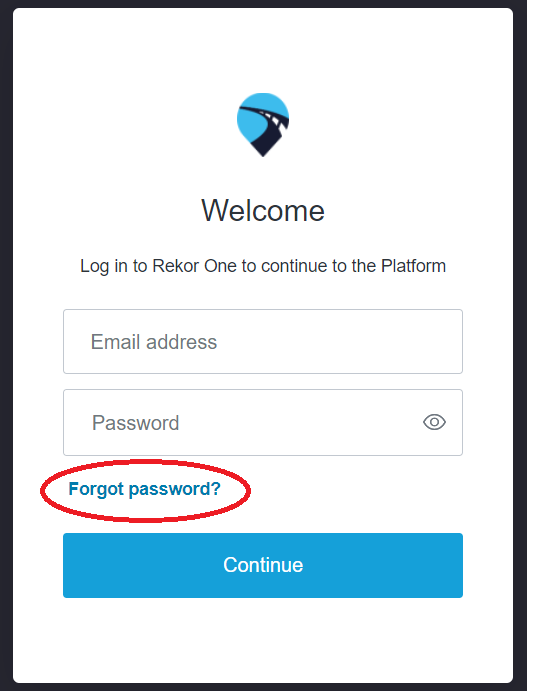
- At the log-in screen, click the "Forgot password?" link.
- Another screen will appear that will prompt you to enter your email address.
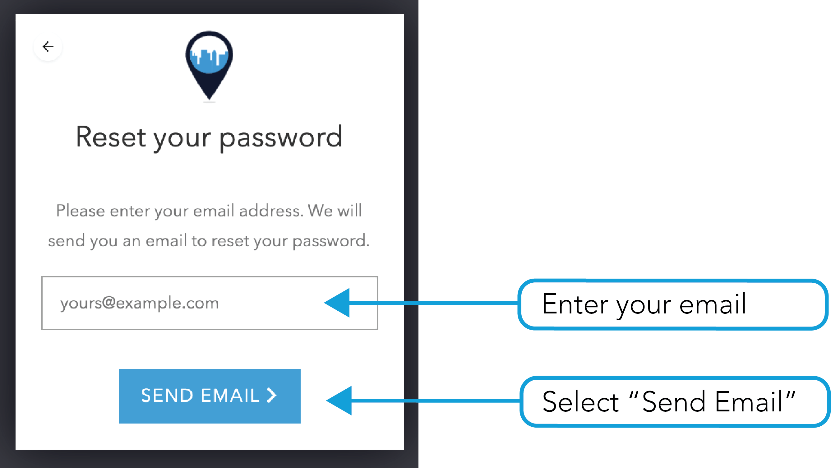
- After clicking "Send email," go to your inbox and check for a message prompting your password reset*
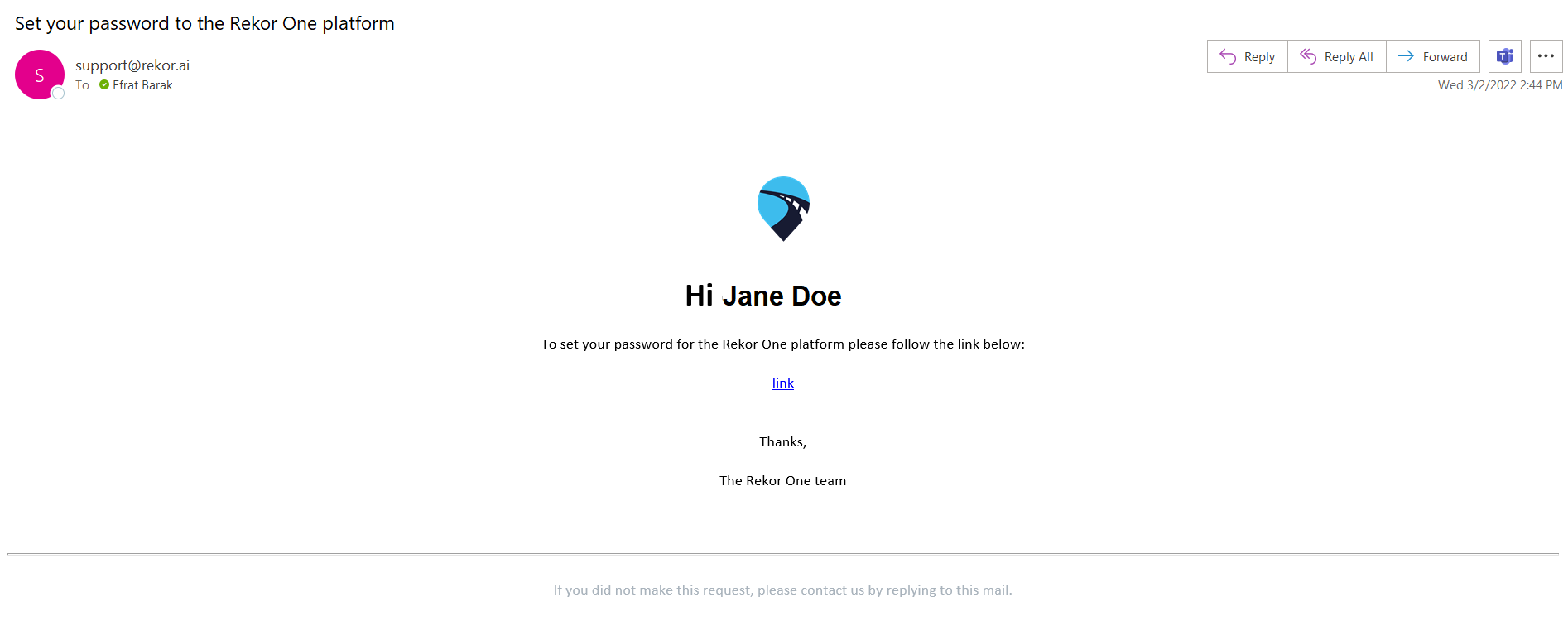
*It is possible the message might not make it to your inbox if this is the first correspondence between you and the Rekor Command™ platform, please make sure to check your spam folder. - Click on the link in the email you received.
- You will be redirected back to the dashboard and prompted to enter a new password.
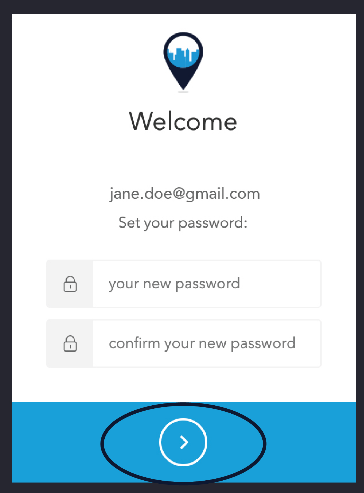
- Confirm your new password in the space provided.
- Click on the arrow to reset. You will be returned to the log-in screen (as pictured above).