![Rekor-Logo-Horiz-RevWhite-Web-1.svg]](https://help.rekor.ai/hubfs/Rekor-Logo-Horiz-RevWhite-Web-1.svg)
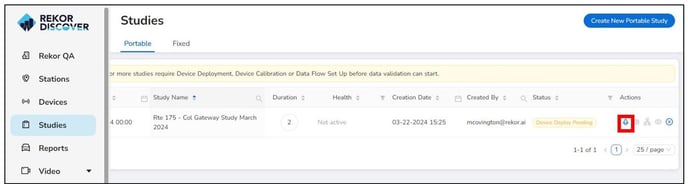
Once the Study is set up, the device must be deployed. On the Studies page, click the rocket ship icon next to the study name.
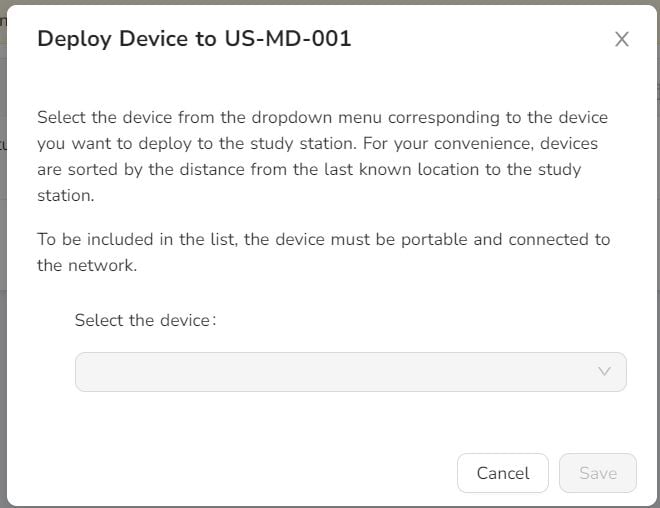
Select the device that was just installed from the drop-down menu and click Save.
Next you must calibrate the device.
Once the Study is set up, the device must be deployed. On the Studies page, click the rocket ship icon next to the study name.
Select the device that was just installed from the drop-down menu and click Save.
Next you must calibrate the device.