![Rekor-Logo-Horiz-RevWhite-Web-1.svg]](https://help.rekor.ai/hubfs/Rekor-Logo-Horiz-RevWhite-Web-1.svg)
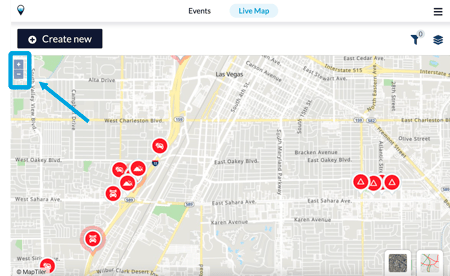
To zoom in or out, simply press on the +/- button in the left hand corner of the screen.
You can also use two fingers and pinch the map to zoom.
To zoom in or out, simply press on the +/- button in the left hand corner of the screen.
You can also use two fingers and pinch the map to zoom.